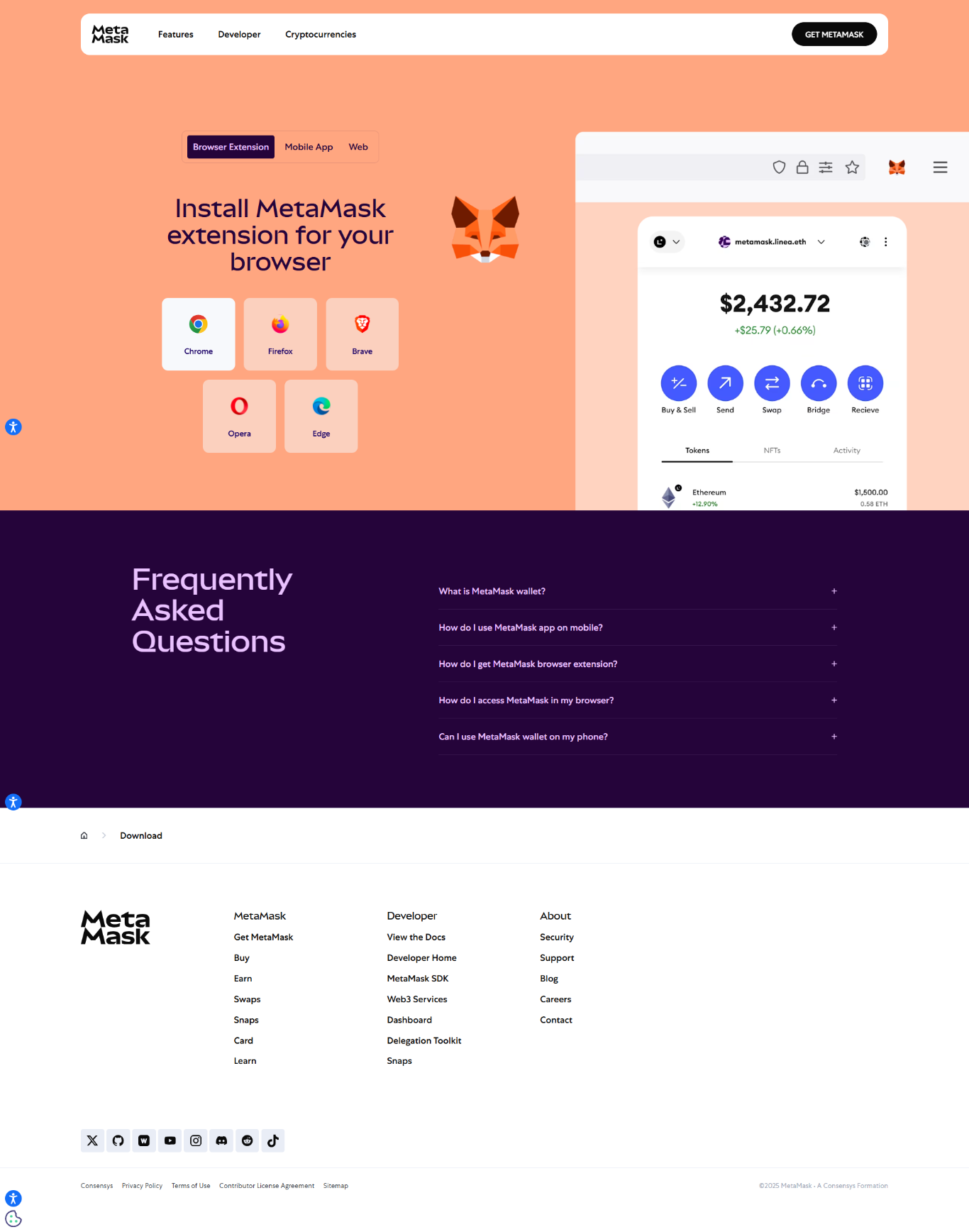
MetaMask Extension empowers millions of users worldwide to interact with decentralized applications, NFTs, and DeFi platforms securely. This official Ethereum wallet integrates seamlessly with Chrome, Firefox, and other browsers, giving you complete control of your crypto assets.
MetaMask is a decentralized browser wallet that connects users to Ethereum and other EVM-compatible blockchains. It serves as a bridge between your browser and the blockchain, allowing you to store, send, and receive digital assets securely without relying on centralized intermediaries.
With MetaMask, your private keys are encrypted and stored locally in your browser, not on any external server. This ensures full custody and privacy for your assets. You can interact with DeFi platforms, mint NFTs, trade tokens, and explore decentralized applications directly from your browser tab.
Connect with Ethereum, Polygon, BSC, Arbitrum, and more EVM-compatible networks to manage assets and interact with decentralized ecosystems.
View, send, and receive any ERC-20, ERC-721, or ERC-1155 token directly from your browser with an intuitive interface.
Swap tokens instantly within MetaMask using aggregated liquidity sources with optimized gas fees and secure smart contract execution.
Enhance security by connecting Ledger or Trezor hardware wallets for storing large crypto holdings safely.
MetaMask provides full control over permissions, site connections, and private data, adhering to strict privacy standards.
Interact with thousands of decentralized applications directly from your browser — from DeFi to gaming, and beyond.
MetaMask follows strong encryption protocols and operates under a self-custodial framework — meaning only you have access to your funds. Here are essential tips to stay safe:
Q1: Is MetaMask available on mobile?
Yes. MetaMask offers a mobile app available on both iOS and Android with identical Web3 functionality.
Q2: Does MetaMask store my information?
No. MetaMask is non-custodial and does not collect or store personal information or wallet data.
Q3: Can I use MetaMask with multiple wallets?
Yes. You can import multiple wallets, switch between accounts, and manage them individually.
Q4: How can I restore my wallet?
Use your 12-word Secret Recovery Phrase. If you lose it, your funds cannot be recovered — store it safely offline.